Your Cart
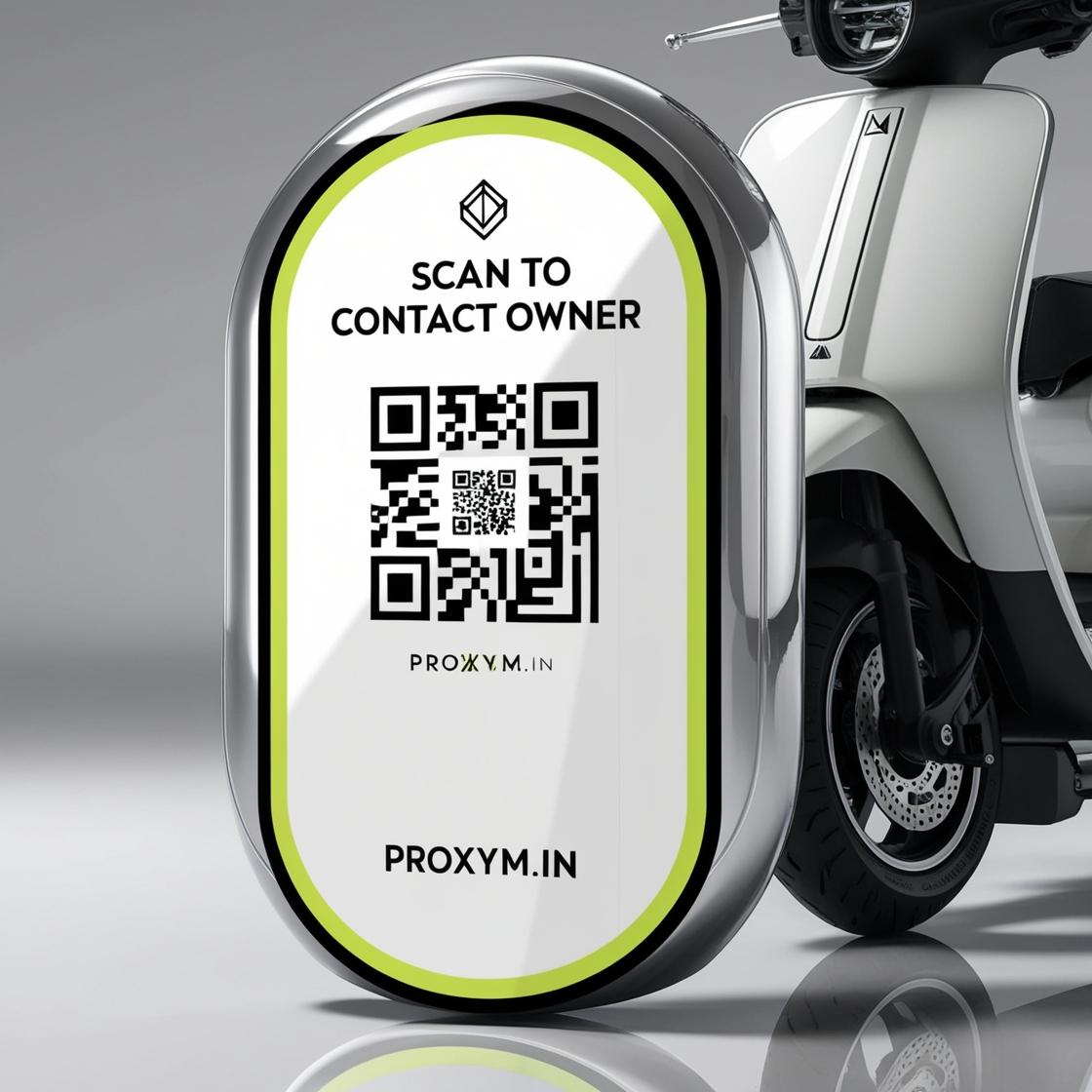
CUSTOMIZE YOUR NAME AND FONT ON THE QR TAG PROFILE
With PROXYM, you can fully customize the name and font displayed on your QR tag profile
Personalize your QR code business card to reflect your unique identity by choosing a font that best matches your brand or personal style
Whether you're a professional, entrepreneur, or business owner, this customization ensures that your QR tag stands out and leaves a memorable impression every time it’s scanned
SELECT CARD COLOR AND TEMPLATE FOR YOUR PROFILE
Design your contact profile linked to the QR code by selecting the perfect color and background style
PROXYM offers a wide range of design options to ensure your QR code profile aligns with your personal or business branding
Whether you prefer a simple, minimalist style or something more vibrant, our customizable options allow you to create a unique and visually appealing QR code business profile
INTEGRATE SOCIAL MEDIA HANDLES FOR EASY ACCESS
Connect your social media profiles to your PROXYM QR code profile by linking Facebook, Instagram, Twitter, LinkedIn, and YouTube
This integration ensures that anyone scanning your QR code can instantly access your social media channels, boosting your online presence and making it easier for potential clients, partners, and followers to connect with you
PROXYM helps you create a seamless digital experience for your contacts
CUSTOMIZE YOUR DETAILED PROFILE FOR A PERSONALIZED EXPERIENCE
Enhance your QR tag profile by adding detailed personal or business information
Customize fields like Name, Occupation, Business Info, About Me, and Picture, providing a comprehensive view of your professional identity
When someone scans your QR code, they’ll be able to instantly view your personalized profile, creating a memorable and professional impression that reflects who you are and what you do
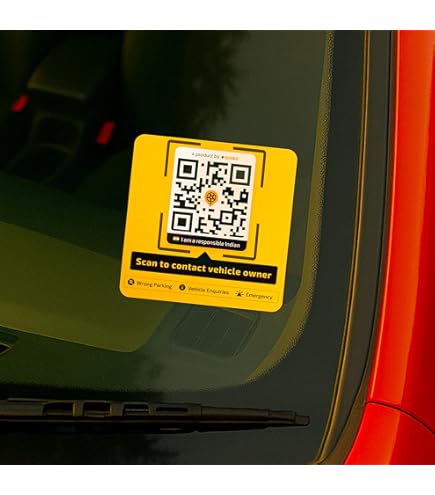
- Weight 2 gms
- Dimensions 6 cm * 8 cm
- Materials Waterproof Vinyl
- Color Black, Green, White
- S - Small, M - Medium, L - Large
Categories: Vehicle Sticker, Vehicle Sticker
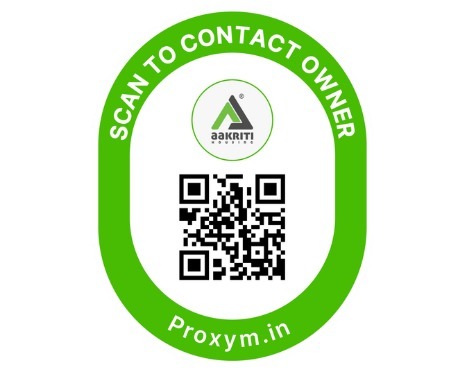
Vehicle Sticker
Rs.250